
Last updated: September 2026
NewtoJapan may earn a commission from some links on this page. This does not affect our recommendations.
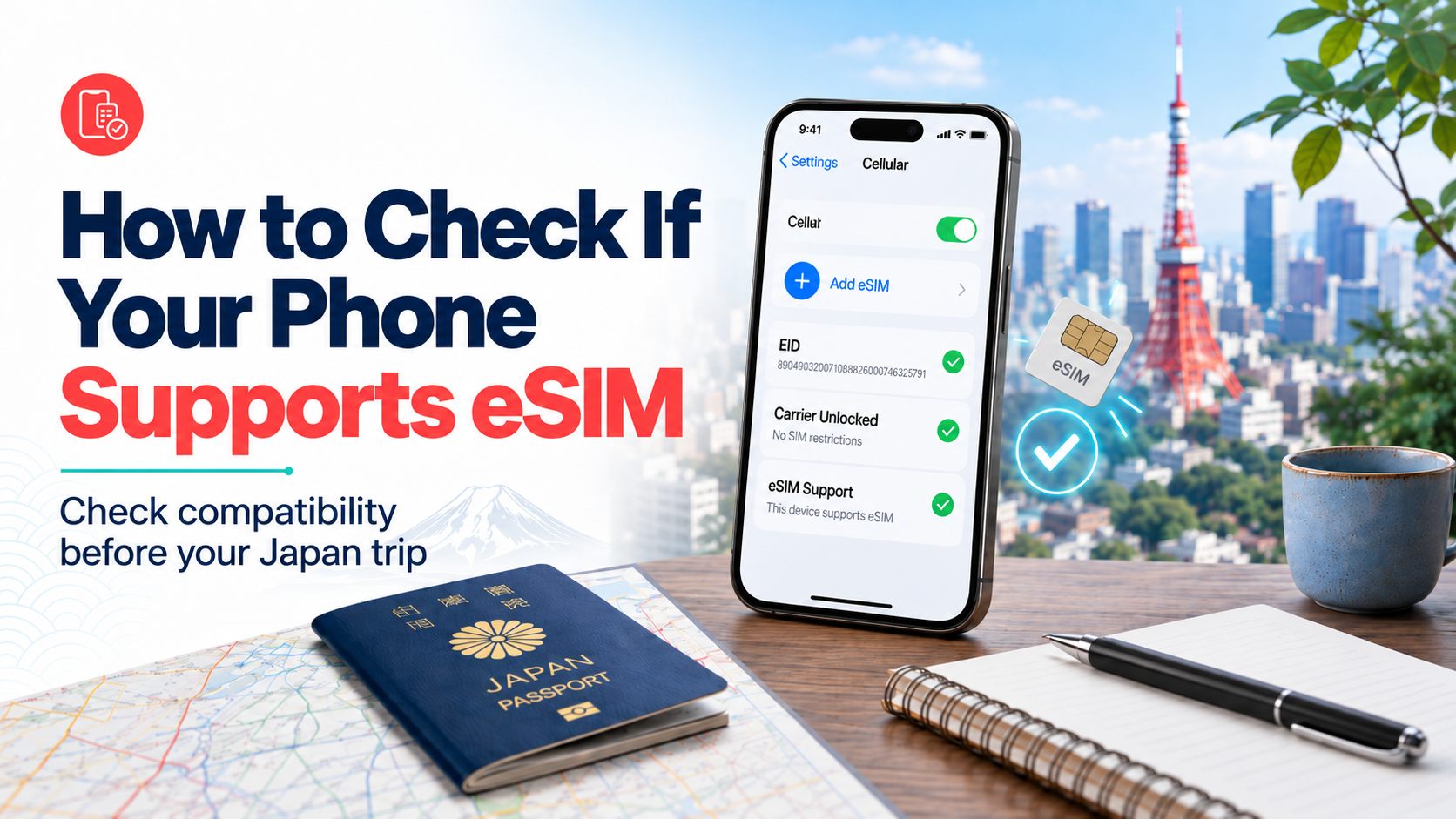
Wondering how to check if your phone supports eSIM before traveling to Japan?
The easiest way is to look for an eSIM option in your phone settings and confirm that your device is carrier-unlocked.
However, support can vary by phone model, region, carrier, and where the device was originally sold.
This guide shows you how to check eSIM compatibility on iPhone, Google Pixel, Samsung Galaxy, and other Android phones before you buy a Japan eSIM.
Looking for a Japan eSIM? See our Best eSIMs for Japan comparison.
Need help setting it up? Read our How to Use an eSIM in Japan guide.
Quick Answer: How to Check If Your Phone Supports eSIM
In most cases, check these four things:
- Look for an Add eSIM option in your phone settings.
- Check whether your device has an EID.
- Confirm that your exact model supports eSIM.
- Make sure your phone is carrier-unlocked.
If your phone has an Add eSIM option and an EID, that is a strong sign that it supports eSIM.
However, you should still check the manufacturer’s official compatibility information because support can vary by model, country, and carrier.
What Does eSIM-Compatible Mean?
An eSIM-compatible phone can download and use a digital SIM profile without requiring a physical SIM card.
This allows travelers to add a Japan data plan while keeping their normal SIM in the phone.
On many modern devices, you can use your regular SIM for calls and messages while using a travel eSIM for mobile data.
However, eSIM support alone is not enough.
Your phone may also need to be:
- Carrier-unlocked
- Compatible with the provider’s network
- Running a supported software version
- Sold in a region where eSIM is enabled
How to Check eSIM Support on iPhone
Look for Add eSIM
Settings → Cellular → Add eSIM
If this option appears, your iPhone likely supports eSIM.
Check for an EID
Settings → General → About
If an EID appears, your iPhone supports eSIM functionality.
Check Carrier Lock Status
Settings → General → About → Carrier Lock
“No SIM restrictions” usually means the iPhone is carrier-unlocked.
How to Check eSIM Support on Google Pixel
On a compatible Google Pixel phone, open:
Settings → Network & internet → SIMs
Then look for an option such as:
Add SIM
or
Set up an eSIM
If you see an option to download or add an eSIM, your device likely supports it.
Google also provides official information about Pixel SIM and eSIM compatibility.
How to Check eSIM Support on Samsung Galaxy
On a compatible Samsung Galaxy phone, open:
Settings → Connections → SIM manager
Look for:
Add eSIM
If this option is available, your Galaxy phone likely supports eSIM.
Samsung also publishes an official list of supported Galaxy models and notes that availability can vary depending on country, carrier, and device version.
Apple explains how to check whether an iPhone is carrier-unlocked on its official support site.
Which iPhones Support eSIM?
Many recent iPhones support eSIM, but exact availability depends on the model and region.
Apple introduced eSIM support on iPhone XS, iPhone XS Max, and iPhone XR and later expanded it across newer models.
Some iPhone models sold in certain countries may have different SIM configurations.
For example, eSIM availability can vary depending on where the device was purchased.
Because of this, the safest approach is to check your exact model rather than relying only on the iPhone generation name.
Which Google Pixel Phones Support eSIM?
Many Google Pixel models support eSIM.
Google states that eSIM is supported on Pixel 4 and later models, although some older models and devices sold through specific carriers or regions may have exceptions.
This is why checking your exact model and purchase region is important.
Do not assume that every phone with the same Pixel name has identical eSIM capabilities.
Which Samsung Galaxy Phones Support eSIM?
Many recent Galaxy S, Galaxy Z Fold, and Galaxy Z Flip models support eSIM.
However, support varies more than many travelers expect.
The same Galaxy model sold in different countries may not always have the same eSIM capability.
For this reason, check:
- Exact model number
- Country of purchase
- Carrier version
- Samsung’s official support information
How to Check eSIM Support on Other Android Phones
Android menus differ depending on the manufacturer.
Common places to check include:
Settings → Network & internet → SIMs
Settings → Connections → SIM manager
Settings → Mobile network
Look for wording such as:
- Add eSIM
- Add mobile plan
- Download SIM
- Download eSIM
- Add SIM
You can also search your phone’s Settings app for:
eSIM
If there are no eSIM-related options, check the manufacturer’s official specifications for your exact model.
How to Find Your Exact Phone Model
Knowing your exact model is important because phones with similar names can have different hardware depending on country or carrier.
On iPhone
Settings → General → About
Look for: Model Name and Model Number
On Android
Settings → About phone
Look for: Model name or Model number
Use that exact model when checking compatibility.
Check Whether Your Phone Is Carrier-Unlocked
A phone can support eSIM but still be unable to use a travel eSIM if it is locked to your home carrier.
This is one of the most important checks before purchasing an eSIM for Japan.
On iPhone
Settings → General → About → Carrier Lock
If you see “No SIM restrictions,” the device is generally unlocked.
On Android
Android phones do not have one universal menu for checking SIM lock status.
Depending on the manufacturer and carrier, you may need to:
- Check your carrier account
- Contact your mobile carrier
- Review the phone’s purchase information
- Try another carrier SIM if available
If you are unsure, contact your carrier before buying a travel eSIM.
Why Region and Carrier Matter
When learning how to check if your phone supports eSIM, checking the exact model and purchase region is important.
A common mistake is checking only the phone model name.
Two phones with the same marketing name may not have identical eSIM features.
Differences can depend on:
- Country of purchase
- Carrier
- Model number
- Hardware configuration
- Software version
For example, some manufacturers sell different versions of the same phone in different regions.
Always check your exact device.
What If Your Phone Does Not Support eSIM?
You still have several ways to stay connected in Japan.
Use Pocket WiFi
Pocket WiFi works with WiFi-capable phones, tablets, and laptops.
It can be a good option if your phone does not support eSIM or is carrier-locked.
See our eSIM vs Pocket WiFi in Japan comparison.
Use a Physical SIM
Some phones support physical SIM cards even if they do not support eSIM.
A Japan travel SIM may be another option if your phone is unlocked and compatible with Japanese networks.
Use Public or Hotel WiFi
WiFi can help in some situations, but relying on public WiFi alone is less convenient for maps, navigation, and messaging while moving around Japan.
Common Reasons an eSIM May Not Work
Even if your phone technically supports eSIM, there are several reasons installation may fail.
Your Phone Is Carrier-Locked
A locked phone may reject an eSIM from another provider.
Your Exact Model Does Not Support eSIM
Regional versions can differ.
Always check the model number.
Your Software Is Out of Date
Some eSIM features require a recent version of iOS or Android.
Update your phone before installing the eSIM.
The eSIM Has Already Been Installed
Some QR codes can only be used once.
Do not delete an eSIM unless the provider tells you to.
Your Provider Does Not Support the Device
Even if the phone supports eSIM, a particular provider may have additional compatibility requirements.
Check the provider’s device compatibility page before purchasing.
Can a Carrier-Locked Phone Use eSIM?
It depends on the carrier and eSIM provider.
In many cases, a phone locked to one carrier cannot use an eSIM from another carrier.
For international travel, an unlocked phone is generally the safest choice.
If your phone is locked, contact your home carrier to ask whether it can be unlocked before your trip.
Can You Use an eSIM and Physical SIM at the Same Time?
Many modern phones support Dual SIM.
This may allow you to keep your normal physical SIM active while using a travel eSIM for mobile data.
This can be useful if you want to:
- Keep your normal phone number
- Receive SMS verification codes
- Receive calls
- Use your Japan eSIM for data
Exact Dual SIM capabilities vary by phone model.
Can You Use Two eSIMs at the Same Time?
Some newer phones allow two eSIMs to be active simultaneously.
Others allow multiple eSIM profiles to be stored but only one to be active at a time.
Check the specifications for your exact device.
Frequently Asked Questions
Look for an Add eSIM option in your settings and check whether your phone has an EID.
Then confirm compatibility using the manufacturer’s official information.
An EID is a unique identifier associated with an eSIM-capable device.
Finding an EID in your phone settings is a strong indication that the device supports eSIM.
No.
You still need to check carrier lock status, provider compatibility, network support, and regional differences.
Many recent iPhones support eSIM.
However, availability depends on model and region.
Many Pixel phones support eSIM, but compatibility varies by model, carrier, and purchase region.
Many recent Galaxy models support eSIM, but not every regional version does.
Often not if the eSIM is from a different carrier.
An unlocked phone is generally required for travel eSIM use.
You can use Pocket WiFi or, if compatible, a physical travel SIM.
Final Checklist Before Buying an eSIM
Before purchasing a Japan eSIM, confirm:
✓ Your exact phone model supports eSIM
✓ You can see an Add eSIM option
✓ Your phone has an EID
✓ Your phone is carrier-unlocked
✓ Your operating system is up to date
✓ Your provider supports your device
✓ Your phone supports the required Japanese network bands
✓ You understand when the eSIM activates
Checking these points before purchase can help prevent installation problems after you arrive in Japan.
Final Recommendation
The safest way to check if your phone supports eSIM is to confirm the settings, EID, carrier lock status, and exact device model.
Before buying a Japan eSIM, check both device compatibility and carrier lock status.
The quickest test is to look for Add eSIM in your settings and check for an EID.
However, always confirm your exact model using official manufacturer information because compatibility can vary by region and carrier.
Once you know your phone is compatible, see our Best eSIMs for Japan guide to compare plans.
UNDERSTAND JAPAN
Using an eSIM in Japan for the first time?
Read the setup guide so you know what to check before your trip and after arrival.
Before continuing: Check device compatibility and your plan’s activation rules before installing or enabling it.
Follow your provider’s instructions for your specific device and plan.
Affiliate Disclosure
Some links on this page may be affiliate links. NewtoJapan may receive a commission if you purchase through these links, at no additional cost to you. Our recommendations are based on our research and comparison criteria.