
Last checked: November 18, 2026.
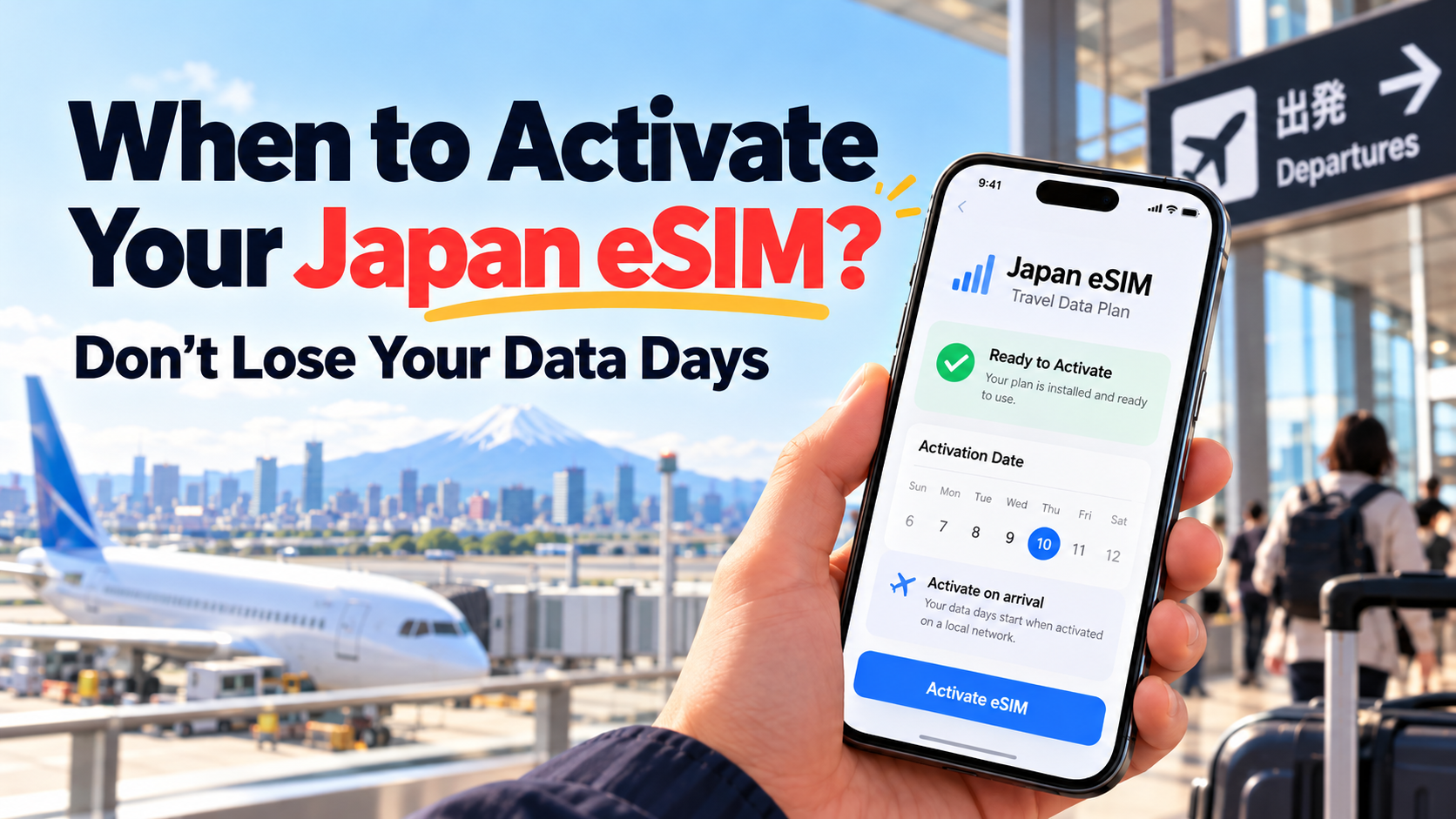
When to activate Japan eSIM plans is an important question before your trip. Buying, installing and starting a plan’s validity are different steps. The right timing depends on your provider and the specific package.
Quick Answer: When to Activate Your Japan eSIM
Install your Japan eSIM before you fly if your plan starts when it connects to a supported network in Japan. If installation starts the validity period, wait until closer to when you need data. Check your exact plan’s activation rules first.
When to Activate Japan eSIM: Quick Checklist
- Check that your phone supports eSIM and is network-unlocked.
- Read the plan’s activation policy, validity policy and any purchase-to-activation deadline.
- Buy within the permitted activation window.
- Install before traveling on reliable Wi-Fi only if advance installation will not start the usage period.
- After arriving in Japan, follow your provider’s connection instructions.
Buying, Installing and Activating Are Not the Same
Buying an eSIM
Payment gives access to a purchased data plan. An activation deadline may begin counting at purchase, even if you do not travel immediately.
Installing an eSIM
Installation downloads a digital SIM profile to your phone. It usually needs an internet connection and does not always start the plan’s data validity.
Starting the Validity Period
A plan’s 7-, 15- or 30-day usage period may begin on connection to a supported destination network, upon installation, or upon purchase, depending on its terms.
Ubigi vs Airalo vs Saily: Activation Rules
| Provider | Before departure | Typical validity start | Activation deadline |
|---|---|---|---|
| Ubigi | Advance installation available | SmartStart: supported destination connection | Six months for referenced plans |
| Airalo | Usually possible | Most start at network connection; some at installation | Varies by package |
| Saily | Available for eligible plans | Usually destination connection on regular travel plans; subscriptions differ | Standard 180 calendar days for regular non-subscription plans |
These summaries are not guarantees for all products. Review the terms of the exact plan you buy.
Affiliate disclosure: We may earn a commission if you buy through the Ubigi or Saily links below.
Ubigi: Install Before You Fly, Connect in Japan
For a Japan plan with SmartStart, install your eSIM on Wi-Fi before you leave. Turn on the Ubigi line after you arrive in Japan. The plan starts when it connects in the covered area. If you buy the plan while already in that area, Ubigi says it starts immediately. Activate it within six months of purchase to avoid losing the plan.
When to buy: A few days before departure gives you time to install the eSIM and check your settings.
Airalo: Check Your Package’s Validity Policy
Airalo’s 1 GB, 7-day Japan package starts when it first connects to a supported network in Japan. Check the Validity Policy on the package you choose. If installation starts the plan, installing it five days before departure uses five days of a seven-day package before you leave.
When to buy: A few days before departure is convenient. Use the package’s validity policy to decide when to install it.
Saily: Check the Activation Deadline Before You Buy
You can install the Saily eSIM before departure. For regular travel plans, Saily’s Help Center says the plan can start automatically when you arrive if the eSIM is already installed. Saily’s consumer terms give regular, non-subscription plans a standard 180-day activation window and say the usage period starts automatically if that window runs out. The Help Center still lists 30 days. Check the deadline for your specific plan before buying. Subscription plans start at purchase.
When to buy: If you’re buying well ahead of your trip, confirm the activation deadline for your plan first.
Practical Timing Before Your Japan Trip
Several Days Before Departure
Check your phone’s compatibility, compare plan conditions and confirm when data validity begins and any deadline for first activation.
One or Two Days Before Departure
If your chosen plan permits installation without beginning data validity, download its profile using reliable Wi-Fi and verify it appears in phone settings. Do not assume every plan works this way.
After Arriving in Japan
Follow the provider’s instructions to select the travel line for mobile data and configure roaming if required. For detailed setup, see How to Use an eSIM in Japan.
Three Costly Timing Mistakes
Mistake 1: Assuming All Plans Start on Arrival
Some plans start as soon as installation finishes. Check the validity policy before scanning the QR code.
Mistake 2: Buying Too Far Ahead
Some plans expire or recycle if left unused after purchase. Make sure the purchase-to-activation window comfortably covers your trip.
Mistake 3: Confusing Activation Deadline with Data Validity
A 30-day plan may have a six-month or 180-day deadline for activating it. Those dates describe different things.
What if Your eSIM Says ‘Activating’ Before Departure?
A travel eSIM can remain in an activation state until it can reach the provider’s supported network. Check the provider’s installation instructions and avoid deleting the profile without support; reinstalls may be limited.
AVOID PROBLEMS
Having trouble connecting in Japan?
Follow the troubleshooting steps before buying another data plan.
Before continuing: Keep your eSIM installed while you check the setup and contact your provider if you need help.
Check the guidance for your device and the plan you purchased.
Which Provider Fits Your Trip?
Choose according to your arrival date, activation deadline, plan validity, data allowance, speed restrictions, supported Japanese networks, customer support and refund rules—not activation timing alone.
Compare options in Best eSIMs for Japan and Ubigi vs Airalo vs Saily.
Frequently Asked Questions
Usually, but check whether your specific package starts its validity period on installation. If so, installing early could waste data days.
Not always. Some plans begin at first destination connection, while some subscription or other products start at purchase or installation.
Eligible SmartStart plans begin when the eSIM connects to a supported destination network. Check the plan’s purchase-to-activation deadline.
It depends on the package. Most begin at supported network connection, but some begin at installation. Always read the specific validity policy.
The August 27, 2026 terms set a standard 180-calendar-day window for regular non-subscription plans. Subscriptions differ, and plan-specific terms should be checked.
Depending on the product, it may expire, be recycled, or start automatically when the activation window ends.
Not necessarily. Buying and installing ahead of travel can be convenient if the chosen plan’s activation rules allow it.
Final Recommendation
Check the activation policy first, install ahead of time if permitted, and start using the plan when instructed by the provider. Do not assume purchase, installation and data validity all begin on the same day.
Official Sources
- Ubigi Japan plan and SmartStart terms
- Airalo: When can I install my eSIM?
- Airalo: When should I buy my eSIM?
- Saily: Consumer Terms of Service
- Saily: Data Plan Management
Checked November 18, 2026. Terms may change. Always verify the conditions of your purchased plan.
Affiliate disclosure: Some linked comparison articles contain affiliate links. We may receive a commission on qualifying purchases at no extra cost to you. Our guidance is based on readers’ needs.